

Install Swift 3: macOS
To use Vapor, you just need to have Xcode 8 and Swift 3 installed.
Download
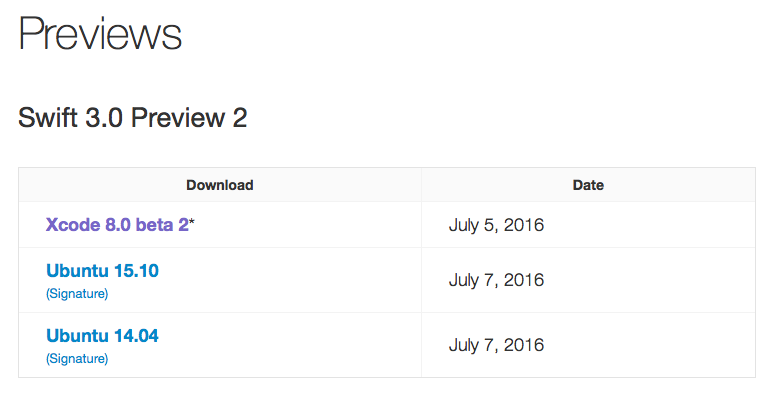
To download Xcode 8 beta 2, visit Apple Developer Downloads or Swift.org Previews

After Xcode 8 beta 2 has downloaded, drag it into your Applications folder and open it. It may take a while to verify the download.
Command Line Tools
You must have Xcode 8 installed and selected or you will get the following error:
:0: error: Swift does not support the SDK 'MacOSX10.11.sdk'
Select Xcode 8
Run the following code to select Xcode 8 in the command line.
sudo xcode-select -s /Applications/Xcode-beta.app/
If you installed the Xcode 8 beta in a different location, you will need to modify the above command with the proper path. Note that installing Xcode 8 in an abnormal path could create issues.
Verify
Verify that you are ready to start using Vapor by running the following commands.
xcodebuild -version

# Xcode 8.0
# Build version 8S162m
The output must contain Xcode 8.0.
Additionally, double check to make sure the Swift version is 3.0.
swift --version

# Apple Swift version 3.0 (swiftlang-800.0.33.1 clang-800.0.31)